
How to Share Photo Booth Photos With Event Guests
Decide who should see the photos before choosing how guests will get them. An individual download, shared event gallery, on-site print and public post serve different audiences. Ask your photo booth provider what your package supports.
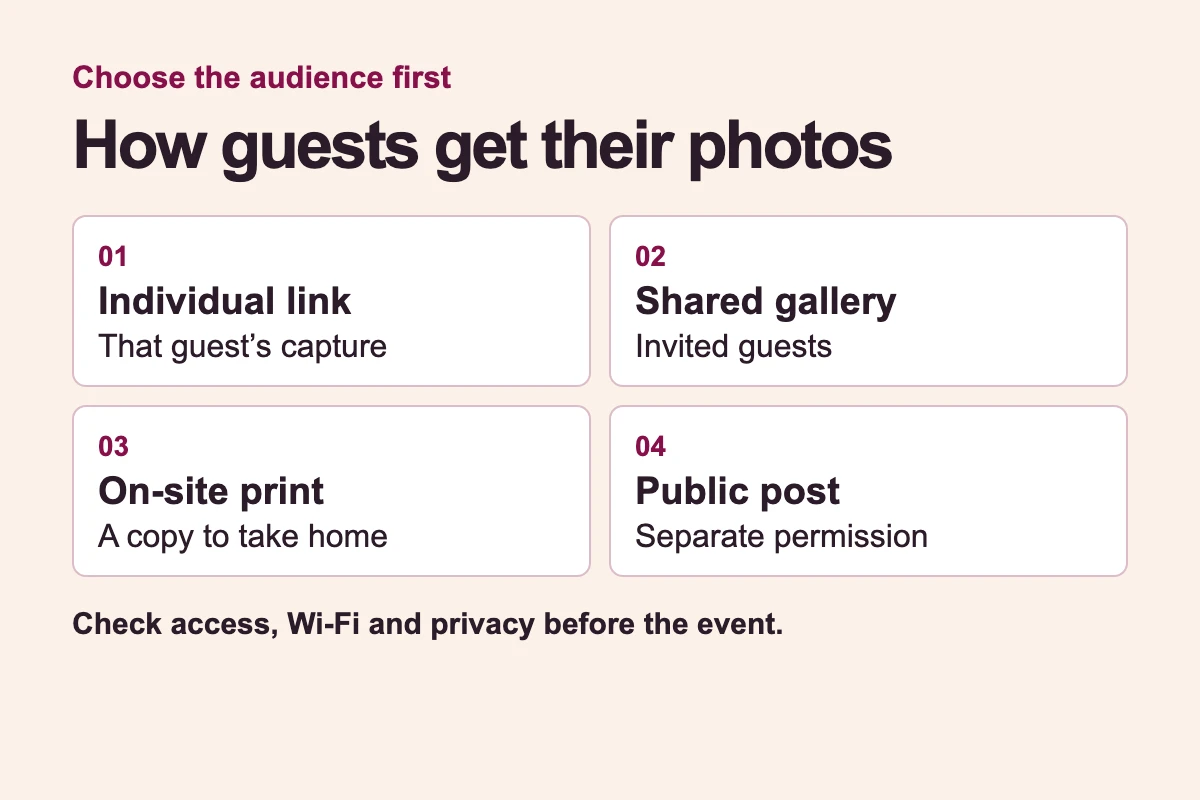
1. Offer individual downloads or QR code sharing
Ask whether guests can download just their own capture, whether they must provide an email or phone number, and what happens if reception is weak. If guests scan a QR code, check whether it opens an individual download, a group gallery or a delivery form. Agree on a fallback if Wi-Fi is unavailable.
2. Set the rules for a shared photo booth gallery
Decide who should receive the gallery link. Ask whether link forwarding can be limited, when access expires and who handles removal requests. At a wedding, ask whether the couple wants one shared gallery or individual links. Tell guests what to expect before they pose.
3. Make prints an option for guests without a phone
A print gives guests something to keep without relying on a signal. Confirm quantities, whether guests can request duplicates and whether the package provides digital copies. A 360 booth captures video; if you also want still photos or prints, ask about a separate booth.
4. Treat public posts as a separate decision
Don’t treat posing for a photo as permission to publish it. For a school or company event, follow the host’s policy. Confirm which channels are approved, what permission is required, and how a guest can ask for a photo to be removed.
Ready to plan your event?
Request a quote for your event