
How to plan a 360 booth layout, queue and video handoff
A 360 video booth has three stages that can each slow down a busy event: getting the next group ready, filming on the platform and helping people receive their clips. Plan those as separate activities. The best location isn’t necessarily the biggest available corner. It’s the one where guests can move from one stage to the next without crossing the camera’s operating area or getting in the way of the rest of the event.
Draw the full guest path, not just the platform
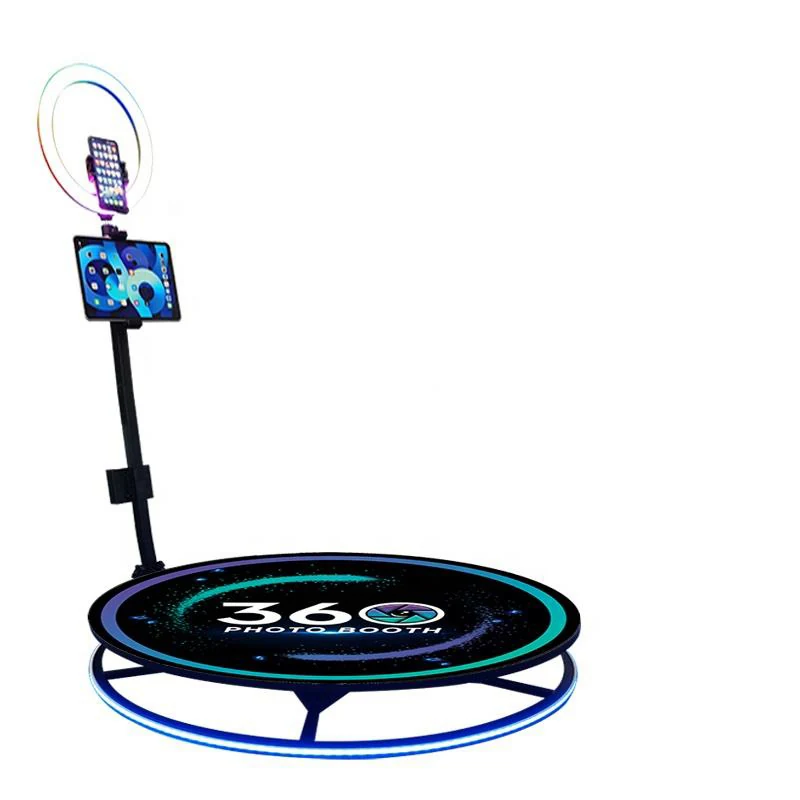
On the floor plan, mark four places: the equipment footprint, its required clearance, the start of the line and where guests go after their turn. Ask the booth provider for the clearance for the proposed equipment and have the venue approve it. A spinning camera arm needs space beyond the platform itself. Keep bags, backdrop stands and waiting guests out of that area.
Place any clip-sharing or QR station off to the side after the exit. Otherwise the group finishing their turn may be standing in the same place the next group needs to enter. Leave an accessible route through the room and offer another way to participate for guests who don’t want to step onto a platform.
Set expectations during the busiest part of the night
At a conference, a rush can arrive in the few minutes between sessions. At a private party, it may happen after dinner or whenever the DJ first calls attention to the booth. See what those windows look like on your schedule and ask the provider how many groups the proposed setup can handle. Use their estimate to decide whether you need a longer operating window or an alternative activity.
Keep instructions where the next group can read them while waiting. Agree on the maximum group size and tell guests what to expect during their turn. If the clip is for a brand activation, give people one easy action to try rather than a complicated routine. That lets them decide what they want to do before they step on.
Approve the deliverable before anyone records
Ask for a reference clip and check it on a phone. A vertical clip for guests’ stories and a horizontal edit for an event recap are different deliverables. Confirm the format, where branding sits, whether there’s audio, how clips are delivered and what happens if venue connectivity is weak. If you need a separate recap edit or organizer access to all clips, ask whether that’s part of the quote.
Tell participants how they’ll get their videos and distinguish personal sharing from permission to repost on a company account. Then hand your coordinator or venue a one-page brief with the layout, time window, expected crowd peaks and chosen video format. It’s easier to fix a line or an awkward crop on paper than once guests are waiting.
Ready to plan your event?
Explore the 360 Video Booth